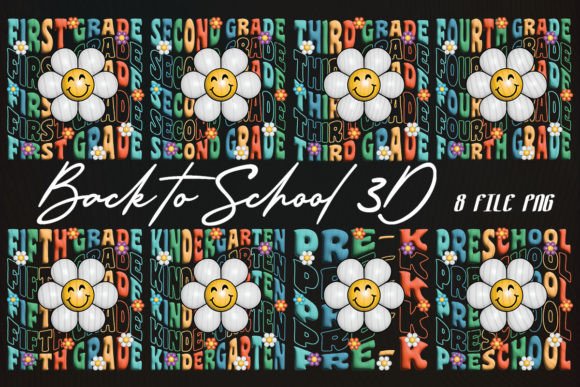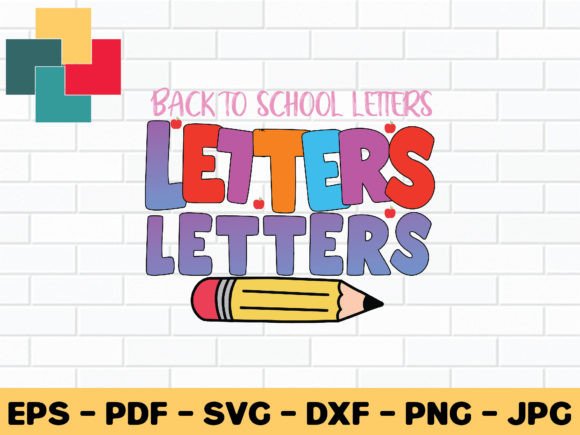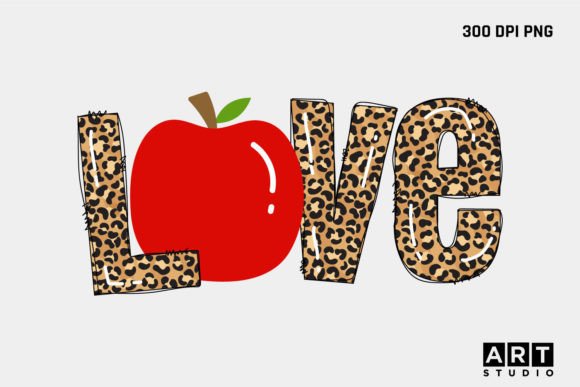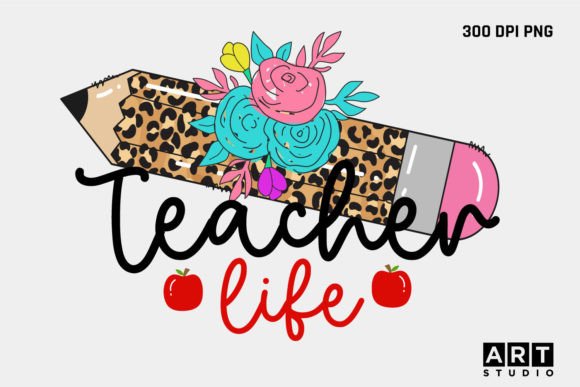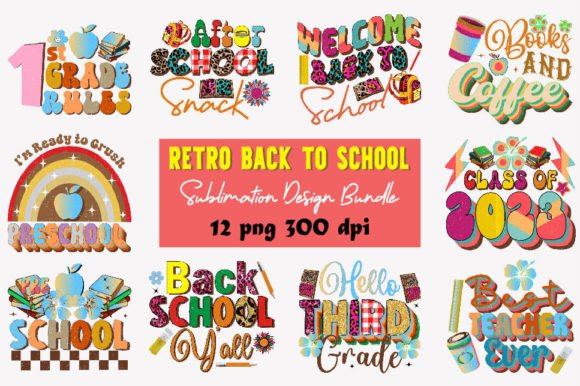
Retro Back to School Sublimation Design
There’s something instantly uplifting about the bold colors, playful fonts, and nostalgic motifs of the 70s, 80s, and 90s — especially when it’s time to gear up for a new school year. The Retro Back to School Sublimation Design collection taps into that joyful energy, offering hand-drawn illustrations transformed into crisp, ready-to-use digital files. These aren’t generic clipart or AI-generated graphics. Each design was sketched by hand first — think chalkboard textures, vintage lunchboxes, pixel-style apples, cassette tape notebooks, and groovy geometric borders — then carefully digitized and refined for clarity and versatility.
What Makes This Bundle Practical and Purpose-Built?
This isn’t just a set of pretty pictures. It’s a thoughtfully curated toolkit designed for real-world use. You’ll receive one zip file containing 12 individual PNG files — each with a transparent background and high-resolution 300 DPI output. That means no awkward white boxes around your designs, no pixelation when resizing, and seamless integration whether you’re printing on mugs, cutting vinyl, or layering elements in Canva or Adobe Illustrator.
The transparency is especially valuable if you’re working with layered projects — like adding a retro pencil icon over a custom notebook cover, or placing a “First Day of School” badge onto a t-shirt mockup. Because every file stands alone, you can mix and match freely without worrying about overlapping backgrounds or mismatched color modes.
Where These Designs Shine — Real Uses, Real People
Whether you run a small craft business, help plan classroom events, or love personalizing everyday items, this bundle supports creativity without demanding technical expertise.
- Educators and homeschoolers use the designs to create themed bulletin boards, printable reward charts, or welcome-back banners that feel warm and familiar — not sterile or overly modern.
- Small business owners print them onto tote bags, water bottles, and backpacks for back-to-school markets or school supply shops. A retro calculator motif on a notebook or a neon-trimmed apple logo on a teacher appreciation mug adds instant charm and memorability.
- Bloggers and content creators incorporate the elements into Pinterest pins, Instagram story templates, or email newsletter headers — giving seasonal posts a cohesive, eye-catching visual identity.
- Hobbyists and parents assemble DIY stationery kits, party favor tags, or personalized lunchbox notes. One parent recently used the vintage book stack graphic to label each child’s school supplies — simple, consistent, and full of personality.
Why Hand-Drawn + Digital Matters
You might wonder why hand-drawn origins matter. It’s about authenticity and character. Machine-generated patterns often feel uniform or lifeless. These designs carry subtle imperfections — slight line variations, intentional texture, organic curves — that make them feel human-made and approachable. That warmth translates directly to how people respond to your finished product: a handmade vibe, even when printed at scale.
Plus, because they were drawn first and digitized second, the vector-ready structure holds up beautifully across formats. Whether you're scaling a design down to fit a 2-inch luggage tag or enlarging it for a 24x36" classroom poster, the lines stay clean and the details remain legible.
Getting Started Is Simple — No Special Skills Required
You don’t need years of design experience to use these files effectively. If you’ve ever uploaded an image to Cricut Design Space, dragged a PNG into Canva, or inserted a graphic into a Word document, you already have the foundation. Most users begin by opening one file in their preferred editing tool, adjusting size or color as needed (many programs let you recolor PNGs non-destructively), then exporting or sending to their printer or sublimation press.
For sublimation specifically, the 300 DPI resolution ensures sharp transfers onto polyester fabrics, ceramic mugs, aluminum tumblers, and coated substrates. Just remember to mirror your design before printing if your workflow requires it — a quick step most sublimation software handles automatically.
Things to Keep in Mind Before You Begin
While the files are versatile, a few practical considerations help ensure great results:
- Check your printer or press specs. Not all sublimation printers handle large files the same way. If you’re planning oversized prints, confirm your device supports the native dimensions before scaling beyond standard sizes.
- Color mode matters. These PNGs are RGB — ideal for digital screens and most sublimation workflows. If you're doing traditional CMYK offset printing, consult your printer about color matching, especially for vibrant retro palettes like electric teal or sunset orange.
- Layering works best with intention. Since each file is isolated, you’re free to combine elements — but try pairing no more than three distinct graphics per project to keep things visually balanced and readable.
- Commercial use is included — no extra license needed. You’re welcome to sell physical products made with these designs (like custom shirts or greeting cards), though you may not resell or redistribute the PNG files themselves as standalone digital assets.
A Thoughtful Tool for Meaningful Projects
At its core, the Retro Back to School Sublimation Design bundle is about making meaningful connections — between teachers and students, parents and kids, creators and customers. It bridges nostalgia with utility, offering both emotional resonance and functional flexibility. Whether you're launching a new product line, preparing your classroom for September, or simply want to add a little joy to your daily routine, these designs invite creativity without complication.
They’re not just graphics. They’re conversation starters. Memory triggers. Small moments of delight — wrapped into 12 clean, adaptable, and deeply usable files.